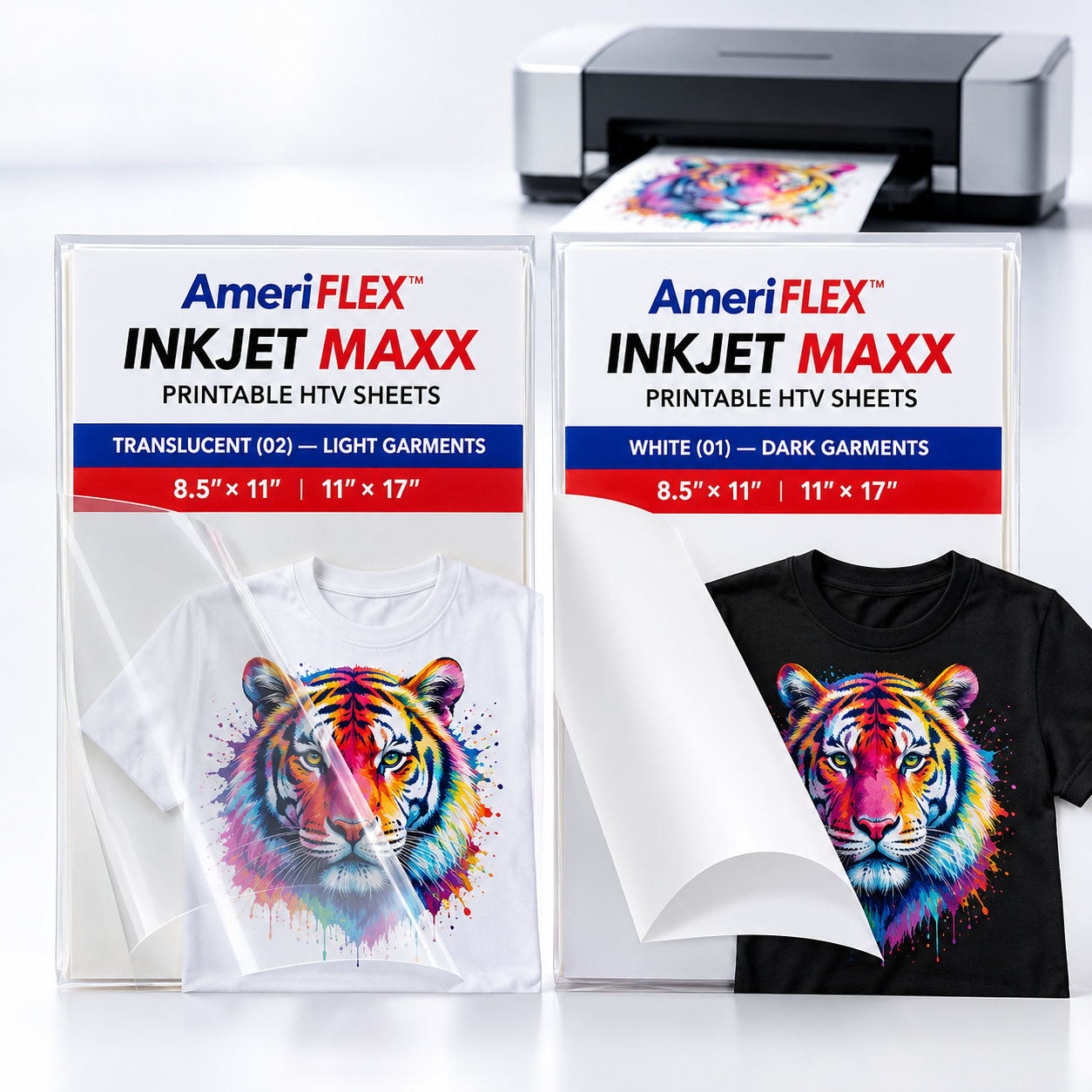
Inkjet Maxx sheets let you print full-color designs on a standard desktop inkjet printer, then cut them on a Cricut, Silhouette, Roland or any other vinyl cutter. Choose the sheet that matches your garment: Translucent for white and light fabrics, White for dark fabrics.
Highlights
-
Works with a desktop inkjet – no special printer needed.
-
Vivid color – bright, sharp designs that stay clear wash after wash.
-
Easy to cut and weed – clean cuts, even on intricate artwork.
-
Soft PU – durable polyurethane with a comfortable feel.
-
CPSIA compliant – suitable for children's apparel.
Choose your sheet
-
Translucent (02) – light garments. A clear carrier that blends into white and light-gray fabric for vivid color with no visible edge.
-
White (01) – dark garments. An opaque white base that keeps colors bold on black, charcoal and other dark fabrics.
Sizes
8.5" × 11" and 11" × 17" sheets in packs of 10, 25, 50 and 100. Need production quantities? Inkjet Maxx is also sold on 12" and 20" rolls.
Specifications
| Ink |
Inkjet |
| Material |
PU (polyurethane) |
| Thickness |
0.14–0.15 mm |
| Works on |
100% cotton, poly/cotton blends, 100% polyester, Lycra/spandex |
Cutter settings (both sheet types)
| Mirror |
No – print and cut in reading orientation |
| Blade |
45° |
| Speed |
25 cm/s |
| Force |
120 gf |
Press settings
|
Translucent (02) |
White (01) |
| Temperature |
338–341°F (170–172°C) |
315°F (157°C) |
| Time |
15 seconds |
10 seconds |
| Pressure |
Medium |
Medium |
| Peel |
Warm |
Warm |
How to apply
- Print your design on a standard inkjet printer. Do not mirror.
- Cut and weed using the settings above.
- Pre-press the garment for a few seconds to remove moisture and wrinkles.
- Press using the settings for your sheet type.
- Peel warm. If any area lifts, cover it and re-press briefly.
Care
- Wait 24 hours before the first wash.
- Machine wash cold, inside out, with mild detergent.
- Tumble dry low.
- Do not bleach or dry clean.