

Description
Inkjet Maxx Printable HTV Sheets – Full-Colour Transfers From Any Desktop Inkjet Printer
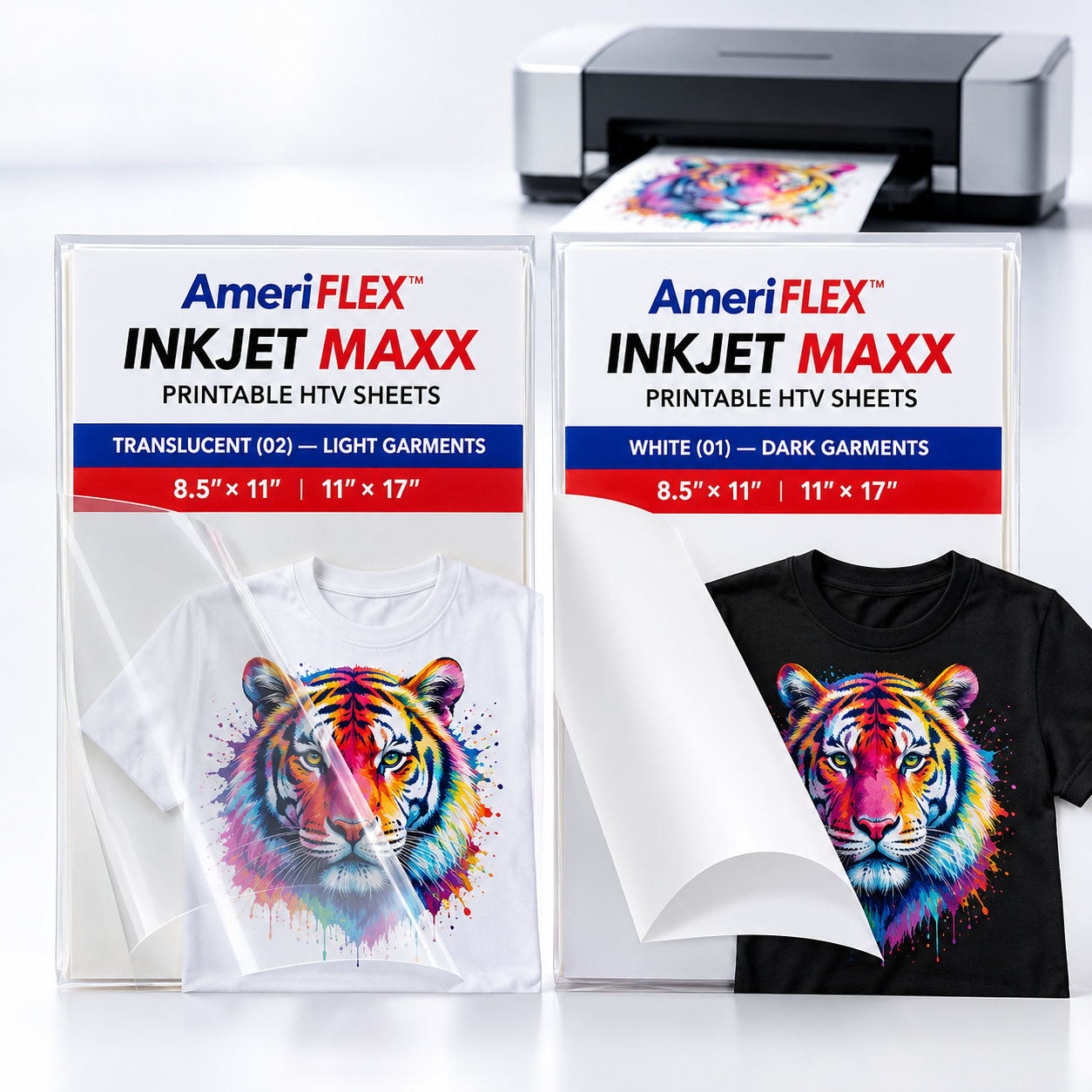
Inkjet Maxx lets you print full-colour designs straight from a standard desktop inkjet printer, then cut them on Cricut, Silhouette, Roland or any other vinyl cutter. Two sheet types, one product — choose the one that matches your garment:
- Translucent (02) — Light Garments. A clear carrier that disappears into white and light-grey fabric, giving vivid, sharp colour with no visible edge.
- White (01) — Dark Garments. An opaque white base that keeps colours bold and bright on black, charcoal and other dark fabrics.
Both are available in 8.5″ × 11″ and 11″ × 17″, in packs of 10, 25, 50 and 100.
Why Choose Inkjet Maxx?
✔ Inkjet Printer Compatible – no special printer required; print directly onto the sheet.
✔ Vivid Colour Reproduction – bright, sharp designs that hold their clarity wash after wash.
✔ Easy to Cut and Weed – clean, distinctive cuts make weeding fast, even on intricate artwork.
✔ Premium PU Construction – durable polyurethane with a soft, comfortable hand.
✔ CPSIA Compliant – suitable for children's apparel.
✔ Sheets or Rolls – see Inkjet Maxx Roll for production quantities in 12″ and 20″.
Perfect For
- Custom Apparel – t-shirts, hoodies and more, in bright, durable full colour.
- Craft Projects – a professional finish on DIY work, with no learning curve.
- Small Business Production – a cost-effective way to turn out high-quality custom product.
Material Specifications
- Ink Compatibility: Inkjet
- Material: PU (Polyurethane)
- Adhesive Backing: Yes
- Thickness: 0.14 – 0.15 mm
- Compatible Fabrics: 100% cotton, poly/cotton blends, 100% polyester, Lycra/spandex
Cutter Settings (both types)
- Cut: NOT mirrored – print and cut in reading orientation.
- Blade: 45°
- Cutting Speed: 25 cm/s
- Pressure: 120 gf
Application Instructions
- Print your design on a standard inkjet printer – do not mirror.
- Cut and weed using the settings above.
- Preheat the garment for a few seconds to drive off moisture and flatten wrinkles.
- Press using the setting for your sheet type — see the table below.
- Peel warm. If any area lifts, cover and re-press briefly.
Laundering Instructions
✔ Wait 24 hours before the first wash.
✔ Machine wash cold with mild detergent, inside out.
✔ Tumble dry low.
✖ Do not bleach or dry clean.
Press Settings
| Translucent (02) — Light | White (01) — Dark | |
| Temperature | 338–341°F (170–172°C) | 315°F (157°C) |
| Press Time | 15 seconds | 10 seconds |
| Pressure | Medium | Medium |
| Peel | Warm | Warm |
| Mirror | No | No |